
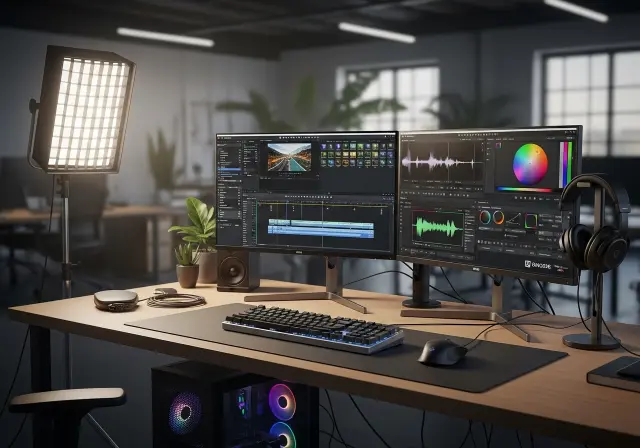
Choosing the best video editing software in 2025 is like picking the right instrument for an orchestra. Some tools are simple, some complex, and the best one harmonizes perfectly with your workflow. Whether you are creating videos for YouTube, social media, or professional projects, the right video editor can save time and elevate your content.
Table of Contents
Why the Right Video Editing Software Matters
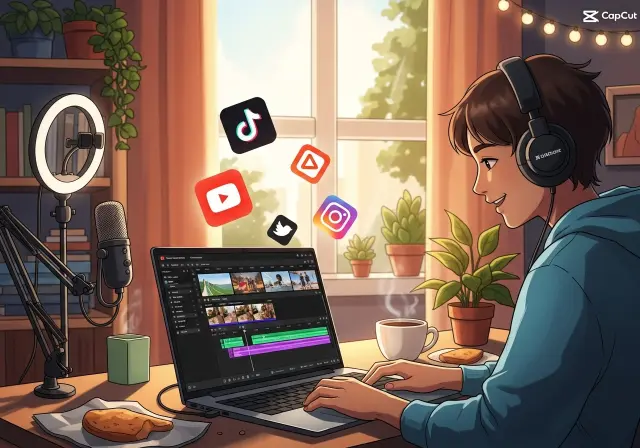
A video editing program is more than a tool—it’s a gateway to creativity. The editing interface, combined with editing features, determines how smoothly you can turn raw footage into polished content. The editing process can include:
- Importing video files from cameras, phones, or drones
- Applying video effects and video templates
- Managing audio editing and video and audio synchronization
- Exporting in various video formats, including 4K, 8K, and formats for web, mobile, and desktop
Think of it as driving a car. A compact car can get you from A to B, but a sports car with precise handling and features lets you enjoy the journey while achieving more.
Top Video Editing Software in 2025
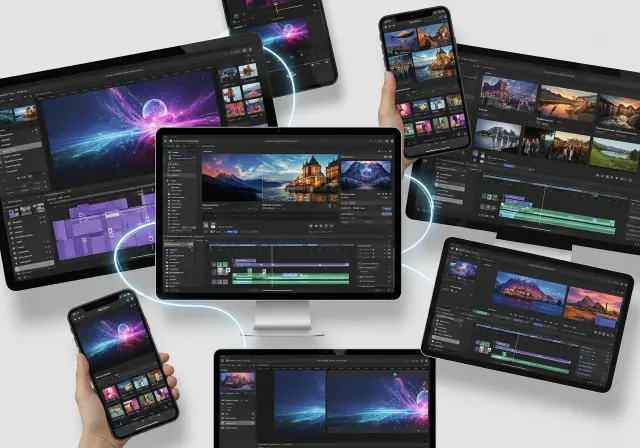
| Software | Best For | Key Features | Ease of Use | Price/Plan |
|---|---|---|---|---|
| CyberLink PowerDirector 2026 / 365 | Prosumer & Enthusiasts | AI-powered tools, multicam editing, video stabilization, fast rendering | Moderate | Subscription & Perpetual |
| Wondershare Filmora 14 | Beginners to Semi-pro | Beginner-friendly video editor, drag-and-drop editing, editing workflow, video effects | Easy | One-time or Subscription |
| Movavi Video Editor | Social Media Creators | Basic video editing, color correction, subtitles, filters | Very Easy | One-time license |
| Pinnacle Studio 26 | Intermediate | Advanced editing, multi-track, suite of editing tools, professional effects | Moderate | One-time license |
| Adobe Premiere Pro | Professionals | Professional video editing software, advanced video editing, desktop video editing, powerful video editing | Hard | Subscription |
| CapCut | Beginners / Free users | Free video editor, simple interface, mobile support, no watermark, free plan | Very Easy | Free |
| DaVinci Resolve | Free & Professional | Color grading, editing features, drag-and-drop editing, automatic editing, free & paid versions | Moderate | Free & Paid Studio |
Pro tip: Beginners can start with Filmora or CapCut, intermediate users with Pinnacle Studio, and professionals with Premiere Pro or DaVinci Resolve.
Unique Features to Consider
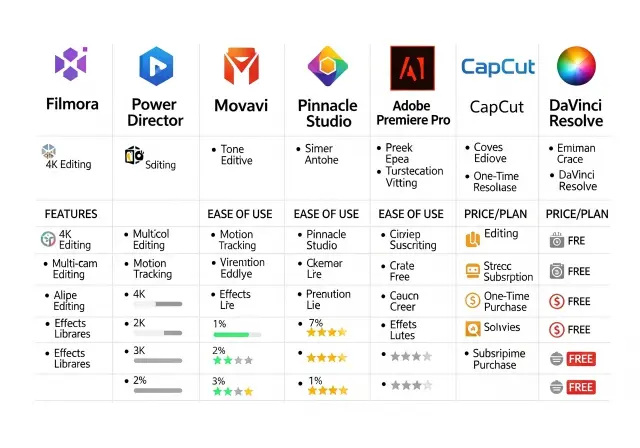
- AI Video: Automates corrections, transitions, and editing workflow
- Text-based editing: Quickly add captions, subtitles, and titles
- Quick video creation for social media or marketing campaigns
- Mobile video editing: Edit video clips on the go
- Web-based video editors: Useful for windows and mac users without high-end PCs
- Video preview: Check video content before exporting
Example: A content creator using Movavi for TikTok can shorten their editing process using drag-and-drop and AI tools. That means faster turnaround and more consistently polished video content.
Tips for Getting Started
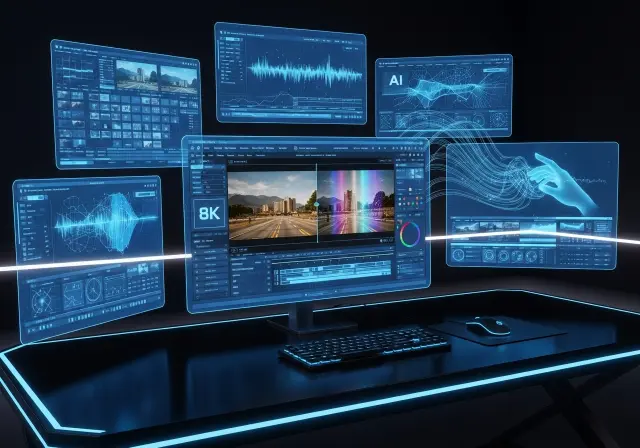
- Use the free versions or free online video editor to test functionality
- Learn drag-and-drop editing for faster editing experience
- Explore video templates to save time and maintain consistency
- Combine basic editing, photo editing, and audio editing for professional results
- Optimize for videos for YouTube, TikTok, or other platforms
- Check windows PC and windows 11 compatibility
Checklist for Beginners:
- Choose a beginner-friendly video editor
- Check video formats supported
- Confirm if multicam editing or video stabilization is needed
- Explore AI-enhanced editing features
- Ensure desktop video editing or mobile video editing fits your workflow
Conclusion
Selecting the best video editing software is a balance of skill, workflow, and project needs. From basic video editing to advanced video editing, the right video editor for Windows or Mac can transform your ideas into professional content. Remember, tools enhance creativity, but storytelling drives impact.
Start small, use the free versions, experiment with AI and editing tools, and create your first masterpiece today.
FAQs – Best Video Editing Software
Q1: What is the best free video editing software for beginners?
A1: Filmora, Movavi, and CapCut are best free video editors that combine basic editing, AI, and easy editing features.
Q2: Can I use a free version of professional editors?
A2: Yes, DaVinci Resolve and CapCut provide free download options with robust editing tools.
Q3: What software is best for videos for YouTube?
A3: CyberLink PowerDirector, Filmora, and Adobe Premiere Pro support 4k video, 8k video, and full video editing workflow.
Q4: Do I need AI features for video editing?
A4: AI-powered tools can simplify automatic editing, color correction, and video stabilization, saving time.
Q5: Which is the best overall video editor for Windows PC?
A5: CyberLink PowerDirector is widely considered best overall due to its speed, editing workflow, and powerful video editing capabilities.
Related services and guides
- Video editing services in Riyadh: our video editing service.
- Digital marketing company in Riyadh: our full digital marketing service.